
Embed and test a booking form
Video walkthrough: Build and test a booking form
Use this task to embed and test a booking form in the current Klusaro workspace.
Before you start
Open Klusaro as a user with access to Boekingsformulieren.
Steps
- Open Boekingsformulieren and confirm the form is Active.
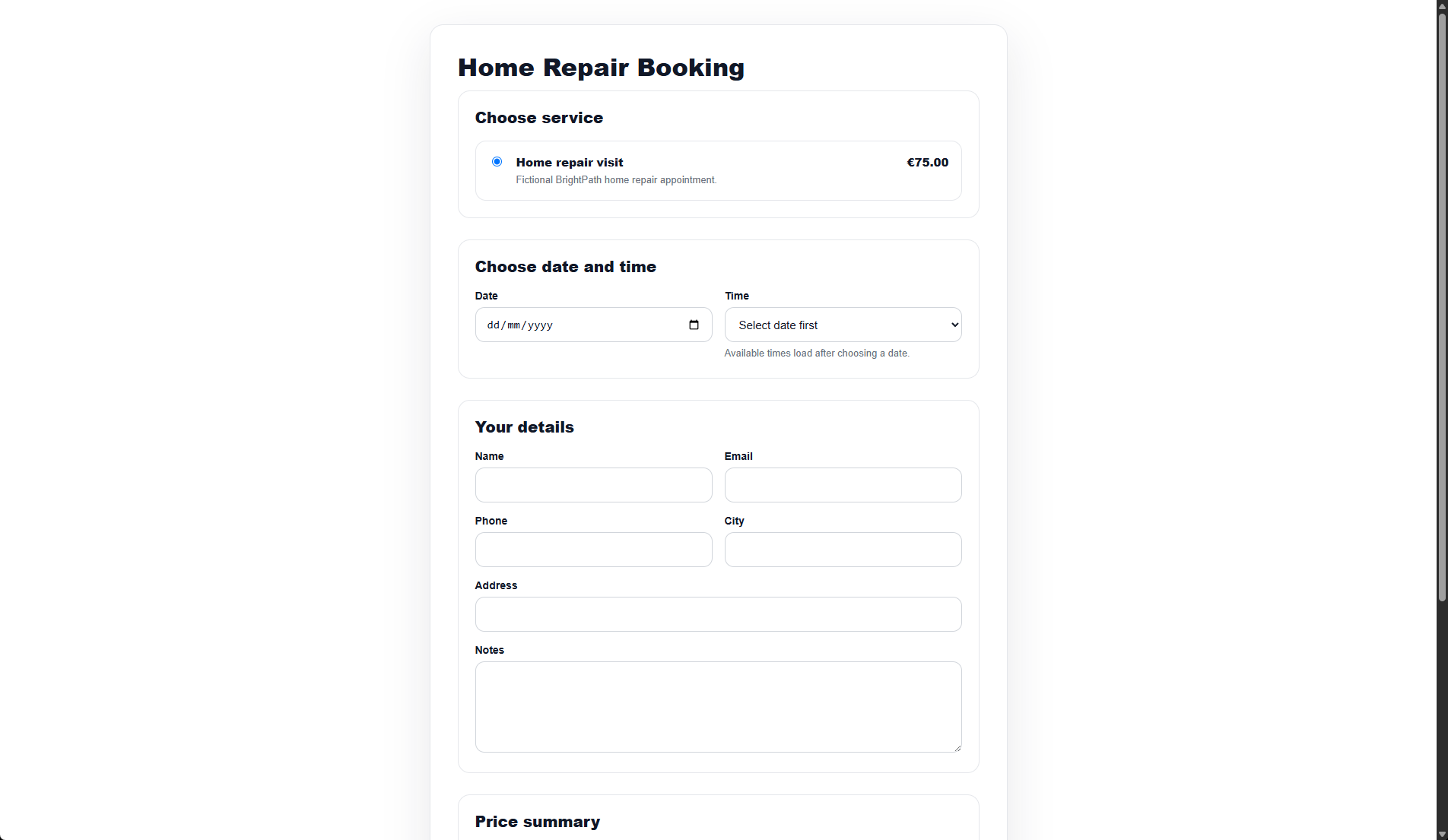
- Use Embed or the Public URL.
- Choose service, date, and time.
- Enter fictional customer details and accept consent.
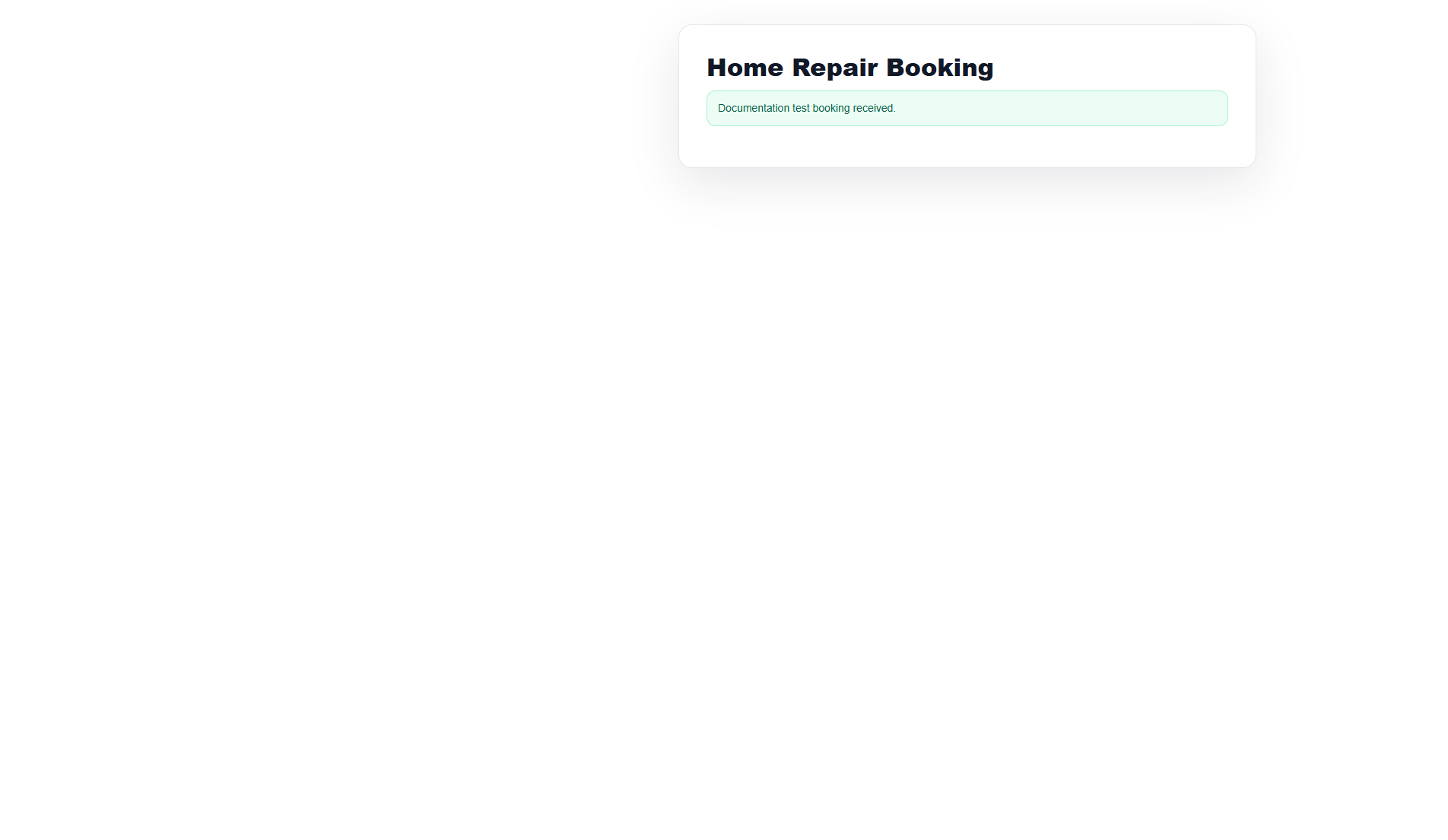
- Select the booking button and confirm the success message.
Screenshots
What happens next
The public form displayed the configured success message after the fictional booking was submitted.
Useful notes
When practising, use information you are authorised to enter.