
Create a task automation
Video walkthrough: Configure a follow-up automation
Use this task to create a task automation in the current Klusaro workspace.
Before you start
Open Klusaro as a user with access to Automations.
Steps
- Open Automations.
- Select New Automation.
- Choose trigger and action.
- Enter conditions and harmless internal values.
- Save as Draft and confirm persistence.
Screenshots
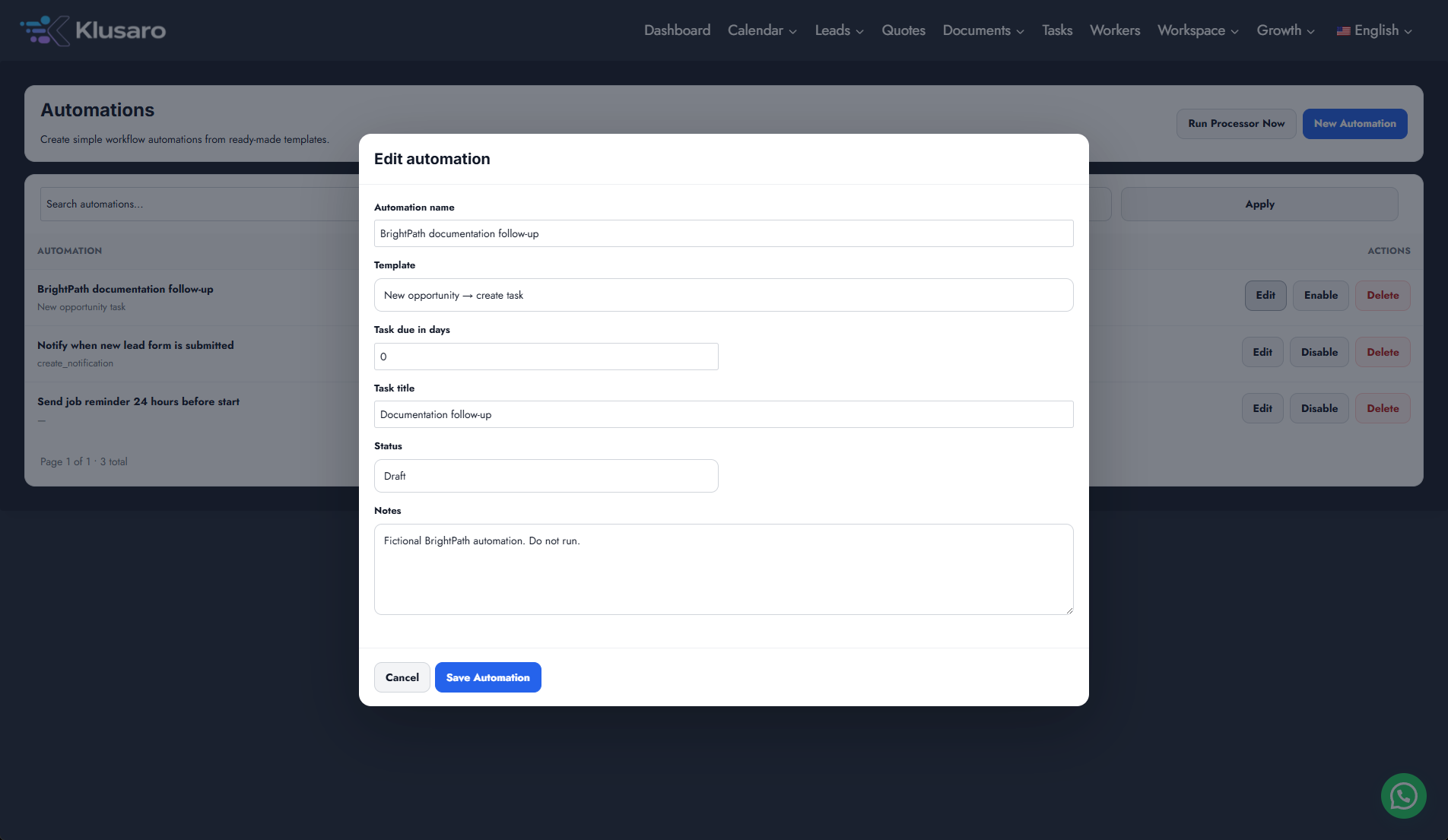
What happens next
The updated state appears in Klusaro and can be reopened for confirmation.
Useful notes
When practising, use information you are authorised to enter.