
Create a booking form
Video walkthrough: Build and test a booking form
Use this task to create a booking form in the current Klusaro workspace.
Before you start
Open Klusaro as a user with access to Rezervāciju formas.
Steps
- Atvērts Rezervāciju formas.
- Atlasīt Jauna rezervācijas veidlapa.
- Complete name, slug, confirmation mode, layout, title, button label, and success message.
- Configure consent and spam protection.
- Atlasīt Save Form.
Screenshots
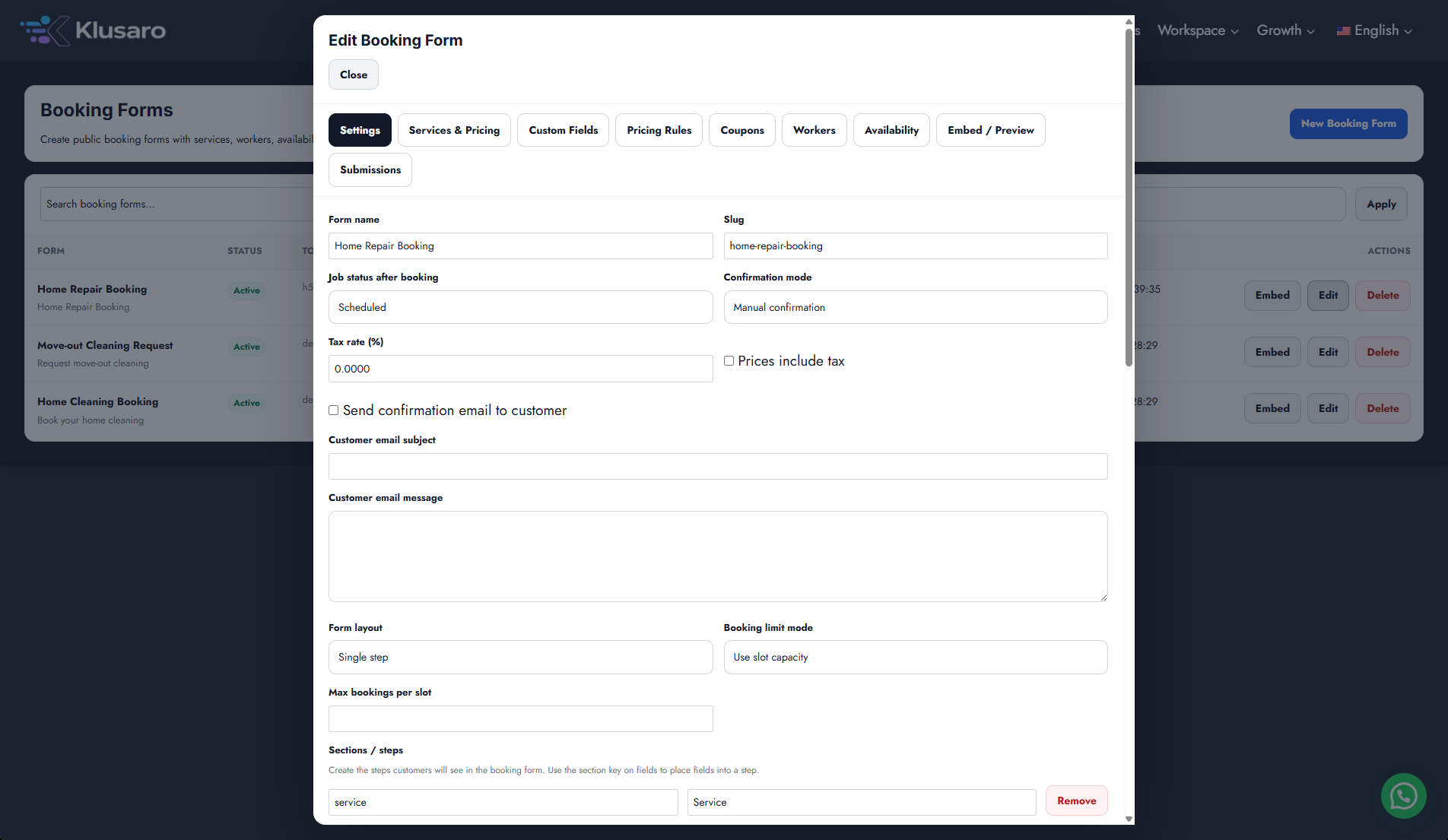
What happens next
The updated state appears in Klusaro and can be reopened for confirmation.
Useful notes
When practising, use information you are authorised to enter.