
Invite and manage workspace users
Video walkthrough: Configure workspace administration
Use this task to invite and manage workspace users in the current Klusaro workspace.
Before you start
Open Klusaro as a user with access to Darbvietas lietotāji.
Steps
- Atvērts Darbvietas lietotāji.
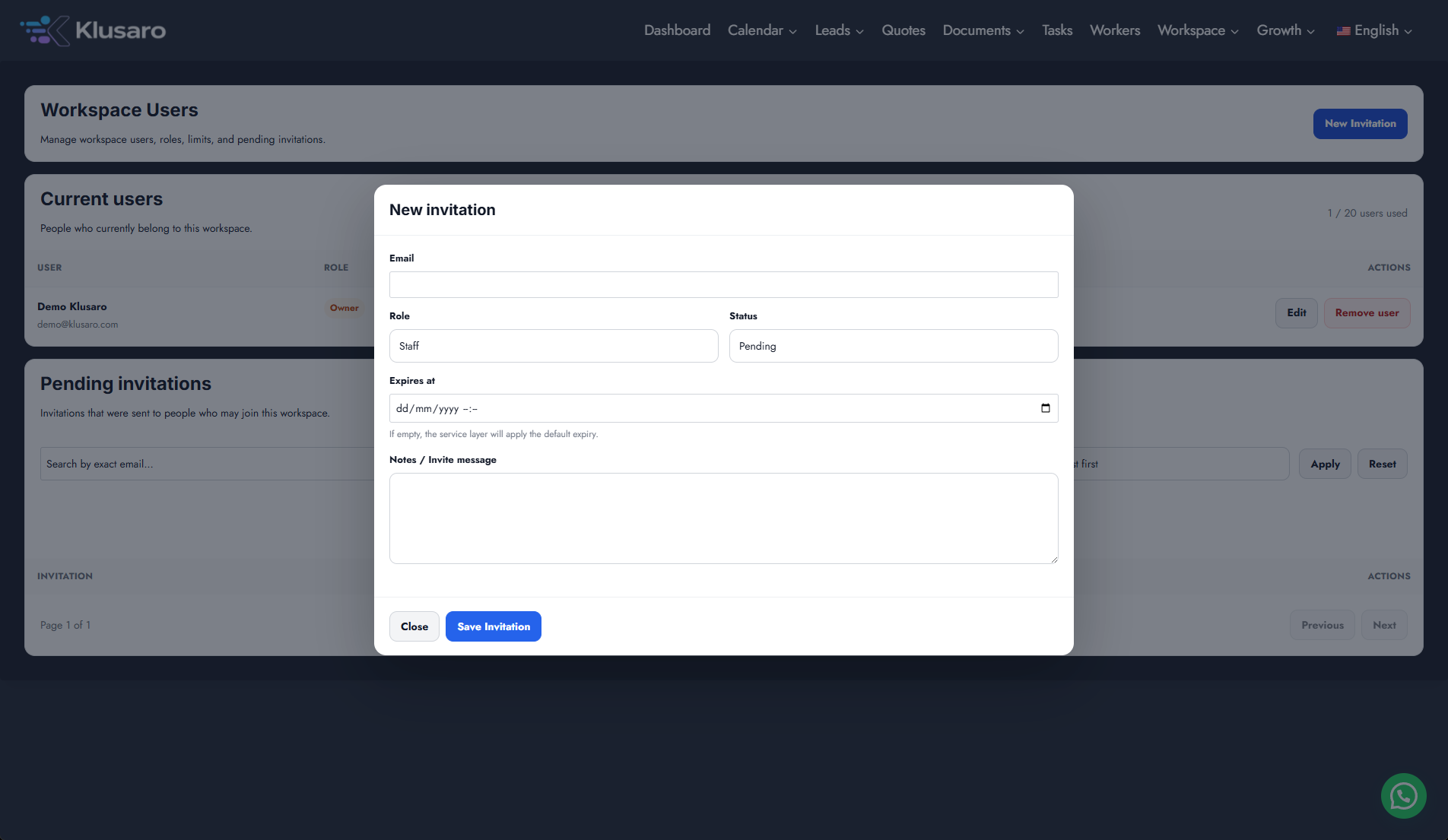
- Atlasīt New Invitation.
- Enter the reserved recipient and choose Owner, Admin, Manager, Staff, or Viewer.
- Atlasīt Save Invitation.
- Review Pending state and available controls.
Screenshots
What happens next
The updated state appears in Klusaro and can be reopened for confirmation.
Useful notes
The Owner-side invitation workflow is documented. Recipient-side access requires the invited account.