
Create custom fields
Video walkthrough: Configure workspace administration
Use this task to create custom fields in the current Klusaro workspace.
Before you start
Open Klusaro as a user with access to Pielāgoti lauki.
Steps
- Atvērts Pielāgoti lauki.
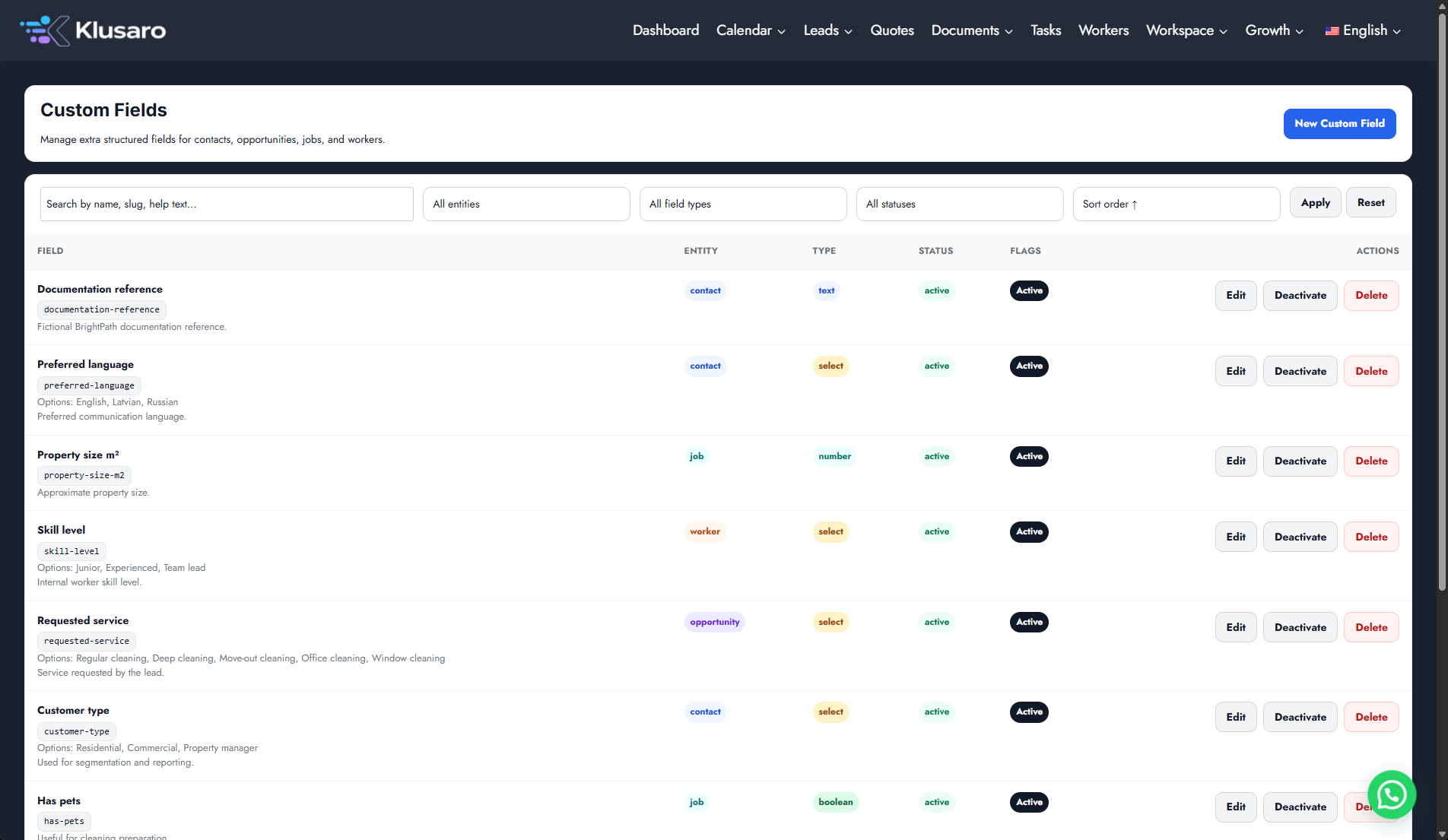
- Atlasīt New Custom Field.
- Choose entity and field type.
- Enter the label and visible options.
- Atlasīt Save Custom Field and confirm the row.
Screenshots
What happens next
The updated state appears in Klusaro and can be reopened for confirmation.
Useful notes
When practising, use information you are authorised to enter.