
Manage subscription billing
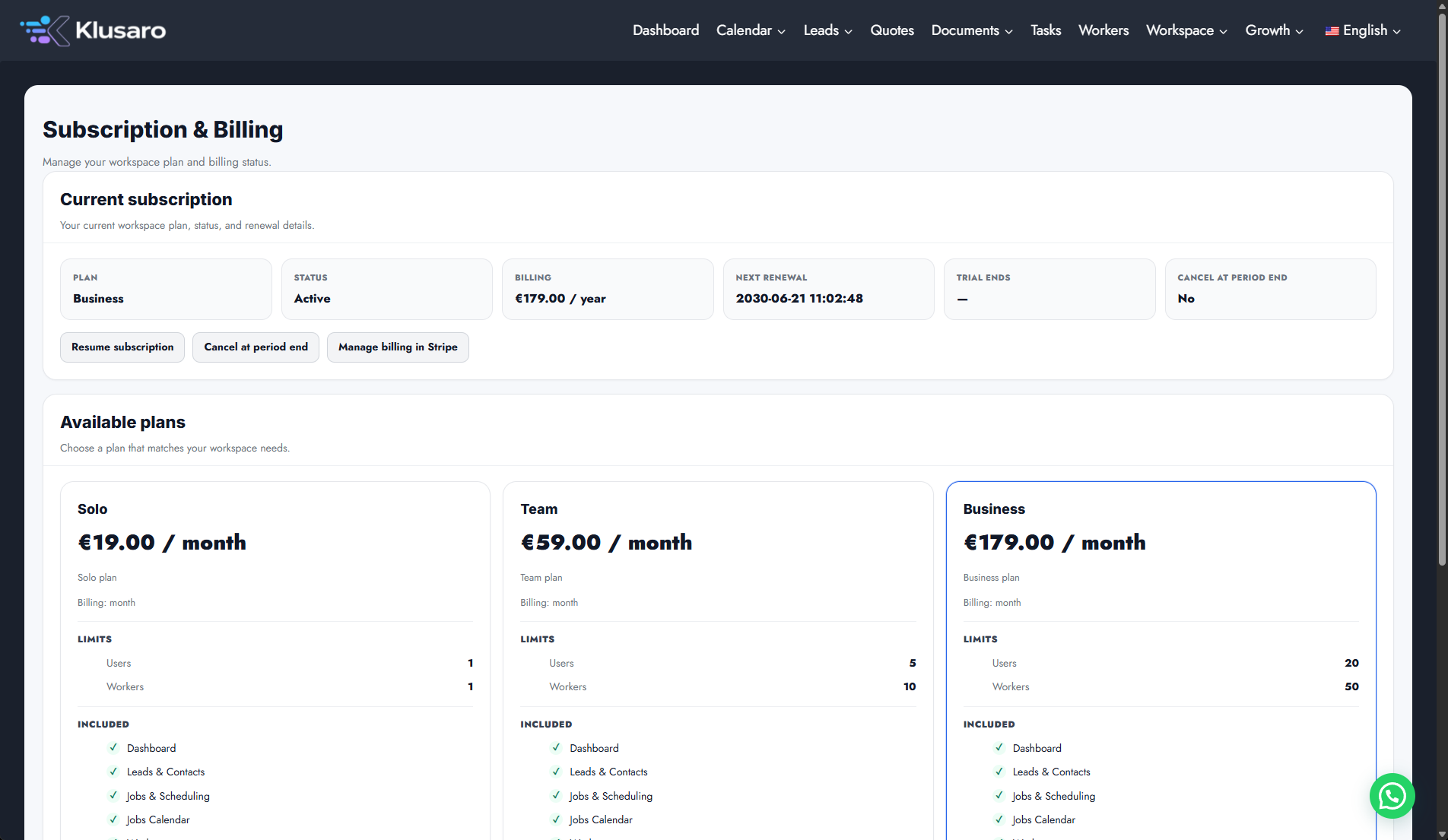
Use this task to manage subscription billing in the current Klusaro workspace.
Before you start
Open Klusaro as a user with access to Subscription & Billing.
Steps
- Open Subscriptions.
- Review the current plan and billing state.
- Use Choose plan, Manage billing in Stripe, Cancel at period end, or Resume subscription only intentionally.
- Complete provider-side steps outside Klusaro.
Screenshots
What happens next
The updated state appears in Klusaro and can be reopened for confirmation.
Useful notes
Billing-provider completion happens outside Klusaro. Review the action before continuing.